
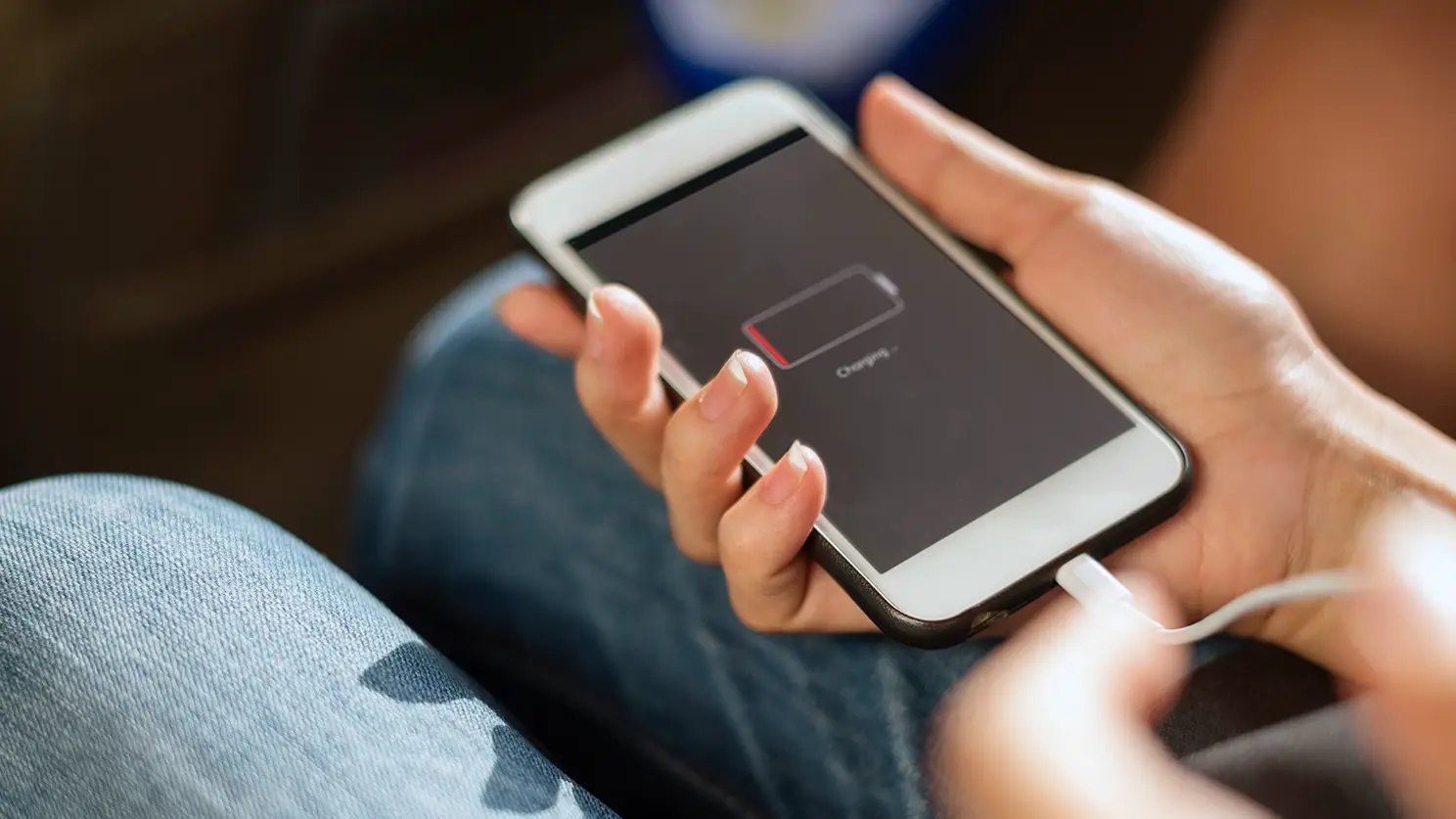
Every phone battery is a ticking clock — lithium-ion cells chemically wear out a little with every charge. So how can you tell if your phone battery needs to be replaced versus just having a bad settings day? The clearest sign is rapid, unpredictable drain: your phone drops from 40% to dead in minutes, shuts off in the cold, or the battery percentage jumps around erratically.
I’ve nursed dying phone batteries longer than I should have (we’ve all been there), and there’s a real difference between “my apps are draining the battery” and “this battery is done.” Here’s how to tell which one you’re dealing with.
The 7 Tell-Tale Signs Your Battery Is Dying
- 1. It dies at 20–30%. The classic. The phone shuts off while still showing charge because the battery can’t deliver stable voltage anymore.
- 2. It drains insanely fast. Losing 10%+ per hour on standby with the screen off isn’t normal app usage — it’s a worn cell.
- 3. It dies in the cold. All batteries struggle in cold weather, but a healthy one recovers indoors. A dying one just gives up at 50°F.
- 4. The percentage jumps around. 60%… 41%… 58%? That erratic gauge means the battery’s internal resistance is shot.
- 5. It only works plugged in. If unplugging means instant death, the battery is essentially decorative now.
- 6. It’s swollen. Screen lifting, case separating, or a spongy back panel — stop using it immediately. A swollen lithium battery is a fire risk. Don’t charge it, don’t puncture it, take it to a repair shop or recycler right away.
- 7. It gets extremely hot during normal use. Warm while gaming is fine; hot while reading email is not.
One or two mild symptoms might just be software. Three or more, especially the shutdown-at-30% trick, means the battery’s had it.
Check Your Battery Health Score First
Before spending money, check what the phone itself reports:
- iPhone: Settings → Battery → Battery Health & Charging. Apple shows Maximum Capacity as a percentage. Below 80%, Apple considers the battery worn — and iOS may throttle performance to prevent shutdowns (you’ll see a notice about “peak performance capability”).
- Samsung: Settings → Battery → Battery health (on newer models), or dial
*#0228#for a status readout on some models. - Pixel/other Android: Settings → Battery → Battery health on Android 14+. Third-party apps like AccuBattery can estimate health over a few charge cycles.
Here’s my honest take: the health percentage is useful but not gospel. I’ve seen phones at 84% that ran fine and phones at 88% that shut off randomly. Trust the symptoms more than the number. If your phone dies at 25% but reports 86% health, the battery is still bad — the estimate is just wrong. And if apps are the real drain, stopping apps from draining your battery overnight might fix it without a repair.
What a Battery Replacement Costs and Where to Get It
Battery swaps are one of the cheapest meaningful phone repairs:
- Apple Store: $89–$119 depending on model (iPhone 14 and newer are at the top end). AppleCare+ covers it free if health is under 80%.
- Samsung authorized: roughly $70–$100.
- Independent repair shops: $40–$80 for most phones — my usual recommendation for out-of-warranty devices, and the same shops that replace cracked screens do batteries all day.
- DIY kits: $20–$40, but modern phones are glued shut and batteries are glued in. I’ve done it; it’s fiddly and you can easily damage the screen getting in. Only for the confident.
Worth it? If the phone is otherwise fine and under 3–4 years old, absolutely — a $60 battery makes a 2-year-old phone feel new again. That’s far cheaper than upgrading, and it’s the single best value repair in all of phones.
Why Does My Phone Get Hot When Charging — and Is It Dangerous?
Since this worries everyone: mild warmth while charging is completely normal, especially with fast charging — pushing 25W+ into a small battery generates heat, physics doesn’t negotiate. What’s not normal: too hot to comfortably hold, heat combined with swelling, or a burning smell.
To keep charging safer and extend battery life:
- Use the manufacturer’s charger or a reputable brand (Anker, Belkin). Counterfeit chargers are genuinely dangerous — the US Consumer Product Safety Commission has flagged cheap knockoffs repeatedly.
- Don’t charge under a pillow or in a hot car. Heat is the #1 battery killer.
- Consider capped charging (iPhone’s 80% limit, Samsung’s 85% protect) if you charge overnight — keeping a battery at 100% for 8 hours nightly accelerates wear.
- Remove thick cases while fast-charging if the phone runs hot.
Making Your Next Battery Last Longer
Whether you replace the battery or buy a new phone, a few habits genuinely extend battery lifespan — and debunk a couple of myths while we’re at it.
- Heat is the enemy, not charging. Leaving your phone on a sunny dashboard ages the battery more in one afternoon than a month of normal charging. Keep it cool and you’ve won half the battle.
- You don’t need to drain to 0%. That advice is from the nickel-battery era. Lithium-ion prefers partial charges — topping up from 40% to 80% is gentler than full 0–100% cycles.
- Use the 80% cap for overnight charging if your phone offers it. Sitting at 100% for 7 hours every night is one of the biggest avoidable sources of wear.
- Slow-charge overnight, fast-charge when rushed. If you’re not in a hurry, a basic 5W charger overnight is kinder than 65W blasting — save the speed for when you need it.
Realistic expectations: even with perfect habits, expect 2.5–3 years before noticeable degradation. Batteries are consumables, like tires. The goal isn’t immortality — it’s getting your money’s worth before the $60 replacement, which (as covered above) is the cheapest rejuvenation in tech.
Keep Reading
If this was useful, you might also like how to stop apps from draining your battery overnight and the cost of replacing a cracked phone screen.
The Bottom Line
Replace the battery if your phone dies above 20%, drains absurdly fast on standby, or shows under 80% health — a $40–$100 repair that genuinely makes an older phone feel new. Don’t replace it if the drain is clearly one rogue app or a settings issue; fix that first. And if the battery is swollen, stop using the phone immediately and get it to a professional — that’s not a DIY moment.
Frequently Asked Questions
How long should a phone battery last before needing replacement?
Typically 2–3 years or 500–800 full charge cycles before capacity drops to ~80%. Heavy users who fast-charge daily may hit that in 18 months; light users can stretch to 4 years.
Does fast charging ruin the battery faster?
Slightly, yes — heat is the enemy and fast charging makes heat. But modern phones manage it well with thermal throttling. Using capped charging (80–85%) overnight offsets most of the extra wear.
Is it worth replacing the battery on a 4-year-old phone?
If everything else works and a replacement is $50–$70, I’d say yes — it buys you another year or two. If the phone is also slow, out of security updates, or needs other repairs, put the money toward a newer device instead.






3 Comments