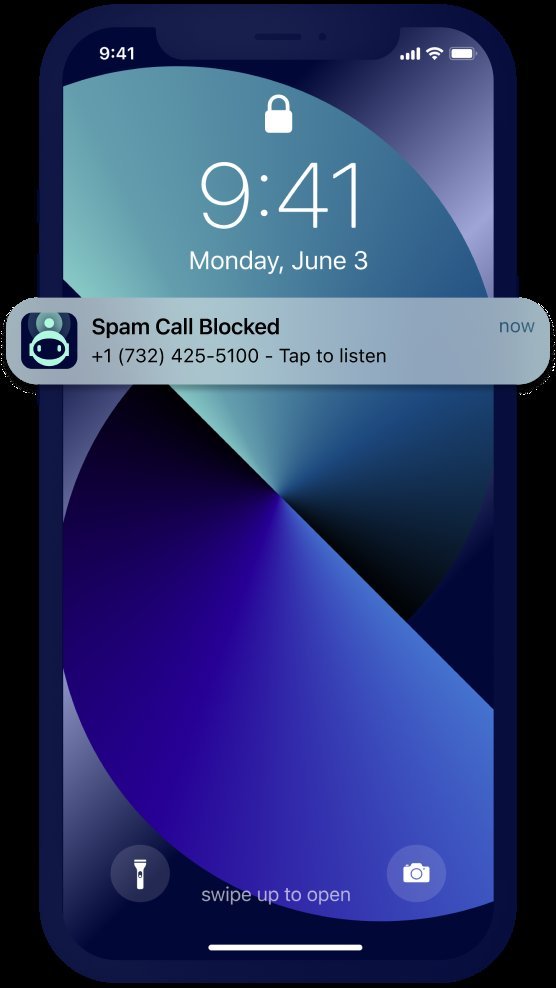
Robocalls are the cockroaches of modern life — the FCC gets hundreds of thousands of complaints a year. The good news: you can block spam calls on your iPhone for free using built-in iOS features plus your carrier’s free tools, and the combination cuts the noise dramatically.
I’ll be honest upfront: nothing blocks 100% of spam calls — the scammers constantly rotate numbers. But going from 8 spam calls a day to one a week is very achievable. Here’s how.
Method 1: Silence Unknown Callers (the Big One)
This single iOS setting is the highest-impact move:
- Go to Settings → Phone → Silence Unknown Callers → toggle ON.
- Calls from numbers not in your contacts go straight to voicemail — your phone doesn’t even ring.
- Legitimate callers leave a voicemail; spammers almost never do. You check voicemail on your schedule, not theirs.
Caveats (honest ones): you’ll miss calls from new legitimate numbers — the doctor’s office calling from a different line, a delivery driver, a job interviewer. Mitigations: add expected callers to contacts proactively (“Doctor’s Office,” “Amazon Delivery”), and check voicemail regularly. For most people the tradeoff is wildly worth it — but if you’re job-hunting or expecting important unknown calls, consider method 2 instead during that period.
Method 2: Your Carrier’s Free Blocking Tools
All three major carriers offer free spam-blocking apps — use them, they work at the network level before calls reach you:
- AT&T ActiveArmor (free tier): auto-blocks fraud calls, labels telemarketers
- T-Mobile Scam Shield (free): Scam ID, Scam Block, and a free second number for sketchy signups
- Verizon Call Filter (free tier): spam detection and blocking
These catch a different layer than iOS features — network-level analytics flag spam campaigns across millions of calls. Run both: carrier blocking + Silence Unknown Callers is the belt-and-suspenders combo. The carriers also support STIR/SHAKEN call authentication now — if a call shows “Spam Risk” or “Potential Spam,” trust the label.
Method 3: Manual Blocking and Contact Strategy
- Block individual numbers: Phone app → Recents → ⓘ → Block this Caller. Tedious against rotating numbers, but effective against persistent ones (that one warranty scammer who calls weekly).
- Never engage: don’t answer, don’t press “9 to unsubscribe,” don’t call back. Any interaction confirms your number is live and gets you more calls. Let unknown calls die in voicemail.
- Don’t answer + block in one move: for repeat offenders, block immediately after they hit voicemail.
- Google the number: if a “missed call” feels possibly legitimate, search the number — spam numbers are extensively reported on sites like 800notes. Five seconds of checking beats calling back a scammer.
Reduce Your Exposure (Stop the Calls at the Source)
Blocking treats symptoms. Reducing exposure treats the cause:
- Register at donotcall.gov — the FTC’s Do Not Call Registry. It won’t stop scammers (they’re criminals; they don’t check lists), but it does stop legitimate telemarketers, and it’s legally required groundwork for complaints. Takes 2 minutes.
- Stop giving your real number out. Online forms, store loyalty programs, contest entries — every one sells or leaks numbers. Use a Google Voice number (free) as your public-facing number for signups.
- Opt out of data brokers: sites like Whitepages and Spokeo sell your number. Opting out is tedious but effective — or use a service like DeleteMe if you’d rather pay.
- Report spam: forward spam texts to 7726 (SPAM), report calls at reportfraud.ftc.gov. Individual reports don’t stop calls, but aggregate data drives enforcement — the FCC’s robocall guide explains the system.
The Nuclear Options (When It’s Really Bad)
- Third-party blockers (Hiya, RoboKiller, Nomorobo): more aggressive than carrier tools — RoboKiller even deploys “answer bots” that waste scammers’ time (deeply satisfying). Free tiers exist; premium is ~$3–5/month. Worth it if you’re drowning.
- Change your number: the true reset button. Drastic, but if your number is on every spam list in existence, a fresh number + Google Voice discipline keeps it clean. Your carrier will do it free on request.
- What NOT to do: don’t pay anyone who calls offering to “remove you from spam lists” — that’s a scam. Don’t download random “call blocker” apps from ads — several were caught collecting user data.
Realistic expectations: the combo of Silence Unknown Callers + carrier blocking + not engaging takes most people from daily harassment to near-silence within a few weeks. The spammers don’t stop calling — you just stop hearing them, which is what matters.
What to Do If You Already Engaged (Damage Control)
Answered a spam call, pressed a button, or called back? Don’t panic — but act:
- Gave no info: just hang up and block. You’re now on the “live number” list, so expect a short-term uptick — tighten blocking for a few weeks and it’ll fade.
- Shared personal details: if you gave a Social Security number, bank info, or passwords, treat it as identity theft — freeze your credit (free at all three bureaus), change affected passwords, and file a report at reportfraud.ftc.gov.
- Paid a scammer: contact your bank/card issuer immediately — gift card and wire payments are nearly unrecoverable, but credit/debit payments sometimes are if you act within hours.
- Let them “remote into” your computer: disconnect from the internet, run a full malware scan, change passwords from a clean device, and consider professional help — this is the serious one.
No shame in it — these operations are professional psychological manipulation, not stupidity tests. Act fast, learn the pattern, and move on.
Keep Reading
If this was useful, you might also like email phishing and two-factor authentication.
The Bottom Line
The free winning combo: turn on Silence Unknown Callers (Settings → Phone), install your carrier’s free blocking app, never engage with unknown calls, register at donotcall.gov, and use a Google Voice number for signups. You won’t block every spam call ever — but you’ll go from harassed to peaceful, for $0.
Frequently Asked Questions
Why am I suddenly getting more spam calls?
Usually your number appeared in a fresh data breach or was sold by a company you gave it to. Sometimes it’s seasonal — tax season, open enrollment, and holidays all spike scam calls. Tighten blocking and don’t engage; waves pass.
Does answering spam calls make it worse?
Yes — any answer, button press, or callback confirms a live human, and your number gets prioritized and resold. The single best habit: never interact, let it go to voicemail.
Are ‘spam call blocker’ apps safe?
Established ones (Hiya, RoboKiller, Nomorobo, carrier apps) are safe. But they need call/contact access to work — stick to well-known names with real reviews, never install one from a popup ad.