
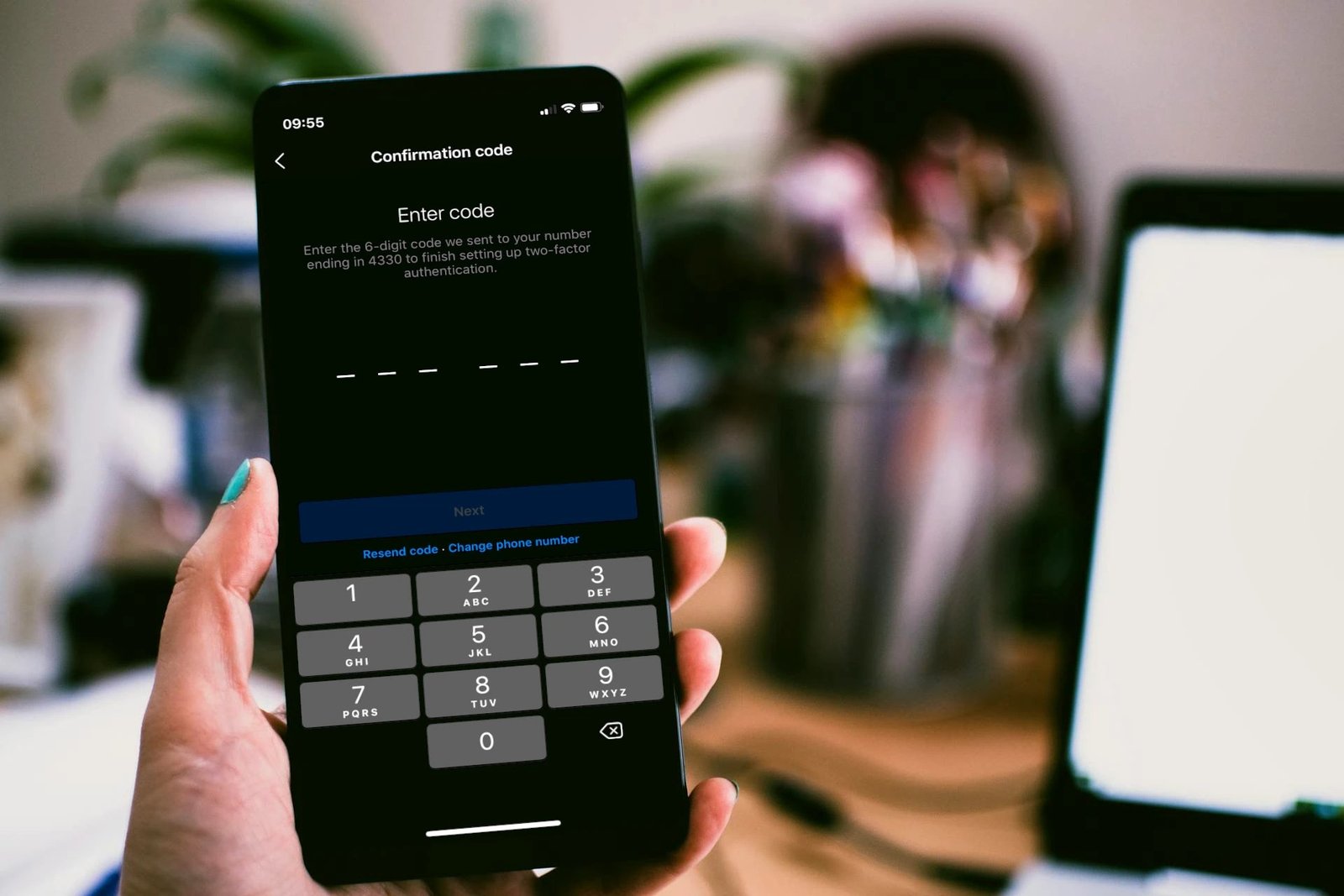
Passwords get stolen constantly — billions leak in data breaches every year. Two-factor authentication (2FA) is the single most effective defense: even if someone steals your password, they can’t log in without a second proof — a code from your phone, a tap on an app, or a physical key. Microsoft’s research found 2FA blocks 99.9% of automated account attacks.
And yet most people haven’t enabled it anywhere. If you do one security thing this week, make it this one. Here’s everything you need to know, minus the jargon.
What 2FA Actually Is (No Jargon)
Logging in normally proves one thing you know (your password). 2FA adds something you have — your phone, an app, a hardware key. An attacker in another country might phish your password, but they don’t have your phone in their hand.
The login flow: enter password → site asks for second factor → you approve via app/tap/code → you’re in. It adds ~10 seconds to logins on new devices — and on trusted devices, most sites remember you for 30 days, so it’s rarely even that.
The threat it kills: credential stuffing — attackers taking passwords leaked from one breach and trying them on every major site. If you reuse passwords (most people do), one breach exposes everything. 2FA breaks that chain completely, which is why strong passwords and 2FA are a package deal, not alternatives.
The 2FA Methods, Ranked Best to Worst
- 1. Hardware security keys (YubiKey, etc.) — best. A $25–$50 USB/NFC key; tap to log in. Immune to phishing (the key verifies the real site), no codes to intercept. The gold standard — what security professionals use.
- 2. Authenticator apps (Google Authenticator, Authy, 1Password) — excellent. Time-based codes that change every 30 seconds, generated on your phone with no network needed. Free, works everywhere, phishing-resistant enough for real life. This is what I recommend to everyone.
- 3. Push notifications (phone tap-to-approve) — good. Convenient (“Was this you? Tap Yes”), but vulnerable to MFA fatigue attacks — attackers spam approvals hoping you’ll tap yes accidentally. Never approve a login you didn’t initiate.
- 4. SMS codes — better than nothing, weakest real option. Vulnerable to SIM swapping (attackers convince your carrier to move your number to their phone). Use it only if nothing better is offered — it’s still vastly better than password-only.
- 5. Email codes — last resort. If your email is compromised, every account using email-2FA falls too. Only for low-value accounts.
The hierarchy matters less than the principle: any 2FA beats no 2FA. Start with authenticator apps everywhere; upgrade to a hardware key for email and banking if you’re motivated.
Set It Up in 10 Minutes: Priority Order
Don’t try to do every account today. Hit them in this order:
- 1. Email (Gmail, Outlook, iCloud) — FIRST. Your email is the master key: password resets for every other account flow through it. Secure this and you’ve secured the foundation. This is non-negotiable priority one.
- 2. Banking and financial (banks, PayPal, Venmo, investment accounts).
- 3. Password manager itself — the vault holding everything else.
- 4. Social media (especially if impersonation would harm you professionally).
- 5. Cloud storage and shopping (Drive, iCloud, Amazon — stored payment methods live here).
- 6. Everything else opportunistically, as you log in.
Setup per site: find Settings → Security → Two-factor authentication, choose “authenticator app,” scan the QR code with your authenticator app, enter the test code. Two minutes each. And save the backup/recovery codes each site gives you — print them or store in your password manager. They’re your lifeline if you lose your phone.
What If I Lose My Phone? (the Fear That Stops People)
This is the #1 reason people avoid 2FA, so let’s kill it:
- Recovery codes: every decent 2FA setup gives you 8–10 one-time backup codes. Store them somewhere safe (password manager, printed in a drawer). They bypass 2FA entirely.
- Multiple second factors: register two devices (phone + tablet) or phone + hardware key. Lose one, use the other.
- Authy / 1Password with cloud sync: unlike Google Authenticator’s original device-locked design, these sync encrypted across devices — new phone, codes restored. (Google Authenticator now offers cloud sync too — turn it on.)
- Account recovery processes exist: Gmail, Apple, etc. all have identity-verification recovery. It’s slow (days) but it works.
The math: the risk of losing your phone and your recovery codes simultaneously is minuscule compared to the certainty that password-only accounts get attacked constantly. Don’t let a solvable edge case block the protection. Set up recovery options today, while everything works.
2FA Won’t Save You From Everything (Honest Limits)
- Phishing still works on SMS/app codes: a fake login page can relay your code in real time. Only hardware keys are truly phishing-proof. Defense: check URLs, and know the signs your email was hacked so you catch breaches fast.
- It doesn’t protect data already on a compromised device: if your phone has malware, 2FA codes generated on it aren’t trustworthy. Keep the phone itself clean (antivirus basics).
- Session hijacking: sophisticated attacks can steal your logged-in session cookie, bypassing 2FA. Rare for individuals, but it exists.
- It doesn’t fix bad passwords: “Password123!” + 2FA is better than without, but a strong unique password is still the foundation.
None of this diminishes 2FA — it blocks the automated, large-scale attacks that compromise the overwhelming majority of accounts. The remaining exotic attacks target specific high-value people, not you. Enable it everywhere and sleep better. For the official word, CISA’s MFA guidance is the US government’s take.
Keep Reading
If this was useful, you might also like strong unique passwords and signs your email was hacked.
The Bottom Line
Enable 2FA today, starting with your email. Use an authenticator app (free, 2 minutes per site), save your recovery codes, and work down the priority list: email → banking → password manager → social → everything else. It blocks 99.9% of automated attacks for 10 seconds of effort per login. There is no higher-ROI security move.
Frequently Asked Questions
Is two-factor authentication the same as two-step verification?
Essentially yes — the terms are used interchangeably. ‘Two-factor’ technically means two different types of proof (know + have); ‘two-step’ just means two steps. For practical purposes, same thing.
Does 2FA work without cell service?
Authenticator apps and hardware keys work fully offline — codes are generated mathematically on-device, no network needed. Only SMS codes and push approvals need connectivity. Another reason apps beat SMS.
Should I use 2FA on every account?
Prioritize: email, banking, password manager, and anything with payment methods or sensitive data. For throwaway forum accounts, it’s optional — focus energy where compromise would actually hurt.






One Comment