
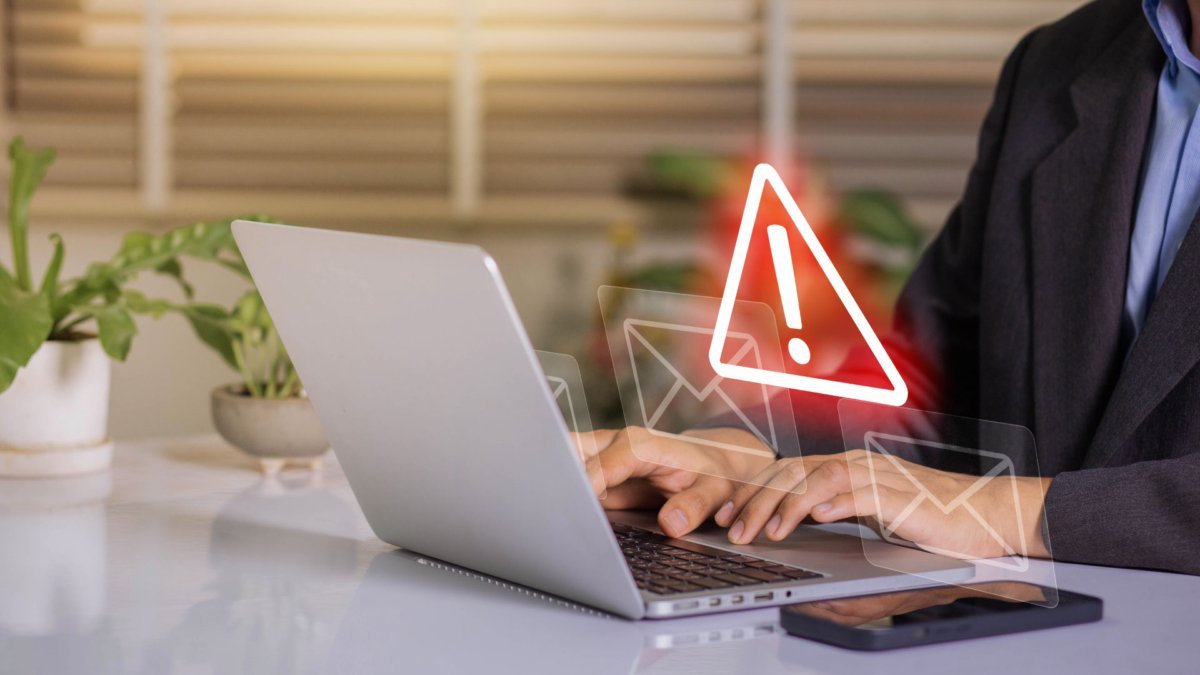
Your email is the master key to your digital life — password resets for everything flow through it. So what are the signs your email account has been hacked? The clearest red flags: password-reset emails you didn’t request, friends receiving spam “from you,” and login alerts from unfamiliar locations.
I’ve helped several people through email compromises, and speed matters enormously — an attacker with your email can reset your banking, shopping, and social accounts within hours. Here’s how to spot it and what to do in the first 10 minutes.
The 7 Warning Signs
- 1. Password-reset emails you didn’t request. The #1 sign. An attacker is trying to break into your other accounts using your email for resets — or testing whether they already control your inbox.
- 2. Friends report spam/phishing “from you.” Classic — the attacker blasts your contacts with scams or malware links.
- 3. Login alerts from strange locations/devices. “New sign-in from Russia” when you’re in Ohio. Check these immediately — they’re often the earliest warning.
- 4. Your password suddenly doesn’t work. The attacker changed it to lock you out. Act fast — every minute matters now.
- 5. Sent folder has emails you didn’t write — or your Trash/Spam contains deleted evidence (attackers often delete their tracks; check Trash).
- 6. Account settings changed: forwarding address added (so they get copies of your mail), recovery email/phone swapped to theirs, or new “app passwords” created. Check forwarding rules first — it’s the stealthiest persistence trick.
- 7. Missing emails you expected — password resets or bills that never arrived may be auto-filtered to Trash by attacker-created rules.
One sign alone might be a glitch. Two or more = assume compromise and move to recovery mode below.
First 10 Minutes: the Recovery Playbook
- 1. Try to log in immediately. If your password still works, change it right now to something strong and unique (how to make memorable strong passwords). If it doesn’t work, start the provider’s account recovery immediately (Google/Microsoft/Apple all have guided flows).
- 2. Check and remove forwarding/rules. Gmail: Settings → Forwarding; Outlook: Settings → Mail → Forwarding/Rules. Delete anything you didn’t create. This is the step everyone forgets and attackers count on.
- 3. Sign out all sessions. Gmail: bottom of inbox → “Details” → “Sign out all other sessions.” This kicks the attacker out everywhere.
- 4. Enable two-factor authentication NOW. 2FA would likely have prevented this — enable it before the attacker re-enters.
- 5. Check recovery email/phone — make sure they’re still yours.
- 6. Scan your other accounts. Check banking, PayPal, Amazon, and social for password-reset emails or unfamiliar activity. The email was likely step one of a bigger plan.
- 7. Warn your contacts — a quick “my email was hacked, don’t click links from me today” post stops the spread.
How It Probably Happened (So It Doesn’t Again)
- Phishing (most common): a fake “verify your account” email → fake login page → they harvest your password in real time. The emails are increasingly convincing — always check the sender address and never log in via email links.
- Credential stuffing: your password leaked in some other site’s breach, and you reused it here. Check haveibeenpwned.com to see your exposure — eye-opening for most people.
- Malware/keylogger: less common for individuals, but possible. Run a malware scan if phishing doesn’t explain it.
- No 2FA: the uncomfortable truth — with 2FA enabled, stolen passwords alone are useless. Most hacks I see are password-only accounts.
- Old connected apps: that quiz app from 2016 with Gmail access? Revoke third-party access (Google: myaccount.google.com → Security → Third-party access) for anything you don’t recognize.
After recovery, the single highest-value change: unique password + 2FA on email. Everything else is secondary.
Special Case: Business/Work Email Compromise
If it’s your work email, the playbook changes slightly:
- Tell your IT department immediately — before doing anything else. They have tools (forced password resets, session kills, mail-flow traces) you don’t, and they need to check whether the attacker reached internal systems.
- Don’t delete evidence — IT may need the phishing email headers and timestamps.
- Assume internal phishing: attackers use compromised work emails to phish colleagues (“Hey, can you review this invoice?”). Warn your team.
- Business email compromise is behind a huge share of wire fraud — if any financial instructions went out from your account, verify by phone, not email.
The Ongoing Vigilance (5 Minutes a Month)
- Review login activity monthly: Gmail (myaccount.google.com → Security → Recent activity), Outlook (account.microsoft.com → Security). Unknown devices = investigate.
- Re-check forwarding rules quarterly — attackers sometimes re-add them months later.
- Keep 2FA on and recovery info current — a recovery phone number you no longer own is a future lockout.
- Use a password manager so every site gets a unique password — credential stuffing dies as a threat.
- Be skeptical of “urgent” emails forever. The phishing that got you (or nearly got you) is a free education — the patterns repeat.
One more resource: the FTC’s identity theft recovery site if the compromise extended to financial accounts — it generates a personal recovery plan and the paperwork you’ll need.
Keep Reading
If this was useful, you might also like two-factor authentication and memorable strong passwords.
The Bottom Line
Signs of a hacked email: unrequested password resets, spam sent “from you,” strange login alerts, changed settings or forwarding rules. First 10 minutes: regain access, change the password, kill forwarding rules, sign out all sessions, enable 2FA, check other accounts. Prevention: unique password + 2FA on email, period — it stops the vast majority of these attacks cold.
Frequently Asked Questions
Can a hacker read my emails without changing my password?
Yes — via forwarding rules or IMAP/app-password access, an attacker can silently copy your mail for months without you noticing. That’s why checking forwarding rules and connected apps matters even when your password still works.
How do I know if my password was in a data breach?
Enter your email at haveibeenpwned.com — it checks billions of breached records. If your email appears, assume that password is public knowledge and change it everywhere you reused it.
Should I delete a hacked email account and start over?
Usually no — recovery plus hardening (new unique password, 2FA, cleaned rules) is better. A new address means updating hundreds of accounts and you lose the history. Only abandon if the provider can’t restore your access.





One Comment