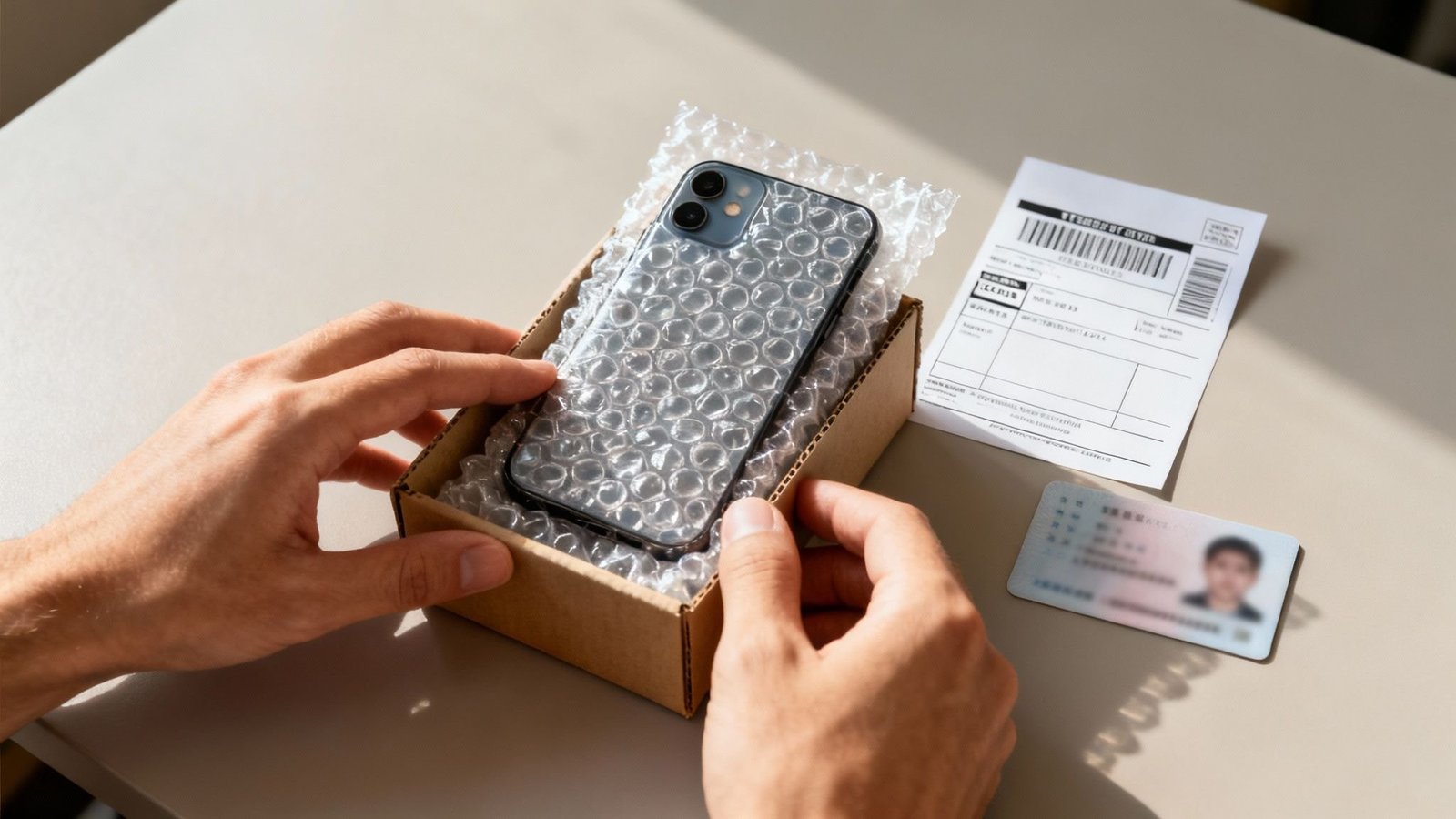
That old phone in your drawer is worth real money — but what’s the safest way to sell it online? The short answer: use a dedicated marketplace with buyer/seller protections (Swappa, Back Market) or a manufacturer/carrier trade-in, and wipe it properly before it leaves your hands. The riskiest move is also the most common: a rushed Facebook Marketplace deal with no precautions.
I’ve sold a dozen phones over the years across nearly every platform. Here’s the full safety-first playbook.
The Non-Negotiable: Wipe It Right (Before Anything Else)
Do this before listing, photographing, or even deciding on a platform:
- Back up first — cloud backup or a computer copy. You’ll need your photos and 2FA apps on the new phone.
- Sign out of everything: iCloud (turn off Find My iPhone!), Google account, Samsung account, Apple ID. An Activation-Locked phone is worthless to a buyer and a nightmare to unwind remotely.
- Remove the SIM and memory card. Obvious, forgotten constantly.
- Unpair Apple Watch / accessories and remove the phone from your carrier account / device lists.
- Factory reset: iPhone → Settings → General → Transfer or Reset → Erase All Content. Android → Settings → System → Reset → Erase all data. On modern encrypted phones, this genuinely destroys the data — no recovery possible.
- Deregister iMessage (if switching to Android) — otherwise texts from iPhone friends vanish into the void. Apple’s deregistration page handles it.
Then verify the wipe: boot it up — it should show the fresh “Hello” setup screen with none of your data. If it doesn’t, you missed a step.
Where to Sell: Ranked by Safety (and Payout)
- Swappa — safest peer-to-peer. Requires IMEI verification, bans stolen phones, holds payments until the buyer confirms. Fees are modest, prices are strong (you’re selling to informed buyers). My top pick for maximum safe payout.
- Back Market / manufacturer trade-in (Apple, Samsung) — safest overall. Zero scam risk — you’re selling to a company. Payout is 10–20% less than Swappa, but it’s instant and effortless. Apple’s trade-in credit applies immediately to your new purchase.
- Carrier trade-in deals — best effective value (sometimes). Carriers run aggressive promos ($800 off with trade-in) that beat every marketplace — but read the fine print: it’s bill credits over 24–36 months, locking you to the carrier. Great if you’re staying anyway; a trap if you wanted flexibility.
- eBay — good, with caveats. Huge audience, strong prices, but scammers target phone sellers (false “not as described” claims). Ship tracked/insured, photograph the IMEI and condition thoroughly, and only sell to established accounts.
- Facebook Marketplace / OfferUp — highest payout potential, highest risk. No fees, cash deals — but meet in public, daylight, bring a friend, and accept cash or instant-verified payment only. Never ship to a Marketplace buyer. Never accept “I’ll pay extra, refund the difference” — that’s the classic overpayment scam.
- EcoATM / carrier kiosks — safest instant cash, worst price. Walk up, get cash in 5 minutes, get ~40–50% of the phone’s value. Only for “I want this gone today” situations.
Pricing It Right (Don’t Leave Money on the Table)
- Check Swappa’s sold listings for your exact model, storage size, and condition — it’s the closest thing to a blue book for used phones.
- Condition grading matters: “Mint” (flawless) vs “Good” (light scratches) is typically a $30–$80 difference. Grade honestly — under-grading costs you money, over-grading gets returns.
- Include the box and original accessories — adds $10–$20 in perceived value and sells faster.
- Battery health above 85% is a selling point — screenshot it for the listing. Below 80%? Consider a battery replacement first; a $60 battery can add $100 to the sale price.
- Unlocked phones sell for more and faster — if yours is carrier-locked but paid off, request the unlock (carriers must do it free) before listing.
- Timing: sell before the new model announcement, not after — values drop 10–15% when the successor launches.
Scams Targeting Phone Sellers (Know Them Cold)
- The overpayment scam: “buyer” sends a fake check/Zelle for more than the price, asks you to refund the difference. The original payment bounces; your refund doesn’t. Never refund overpayments.
- Fake payment confirmations: convincing-but-fake PayPal/Venmo “payment received” emails. Verify in the actual app, never via email links.
- The “ship first” request: buyer wants you to ship before payment clears, often to a foreign address. Legitimate platforms hold funds — use them.
- In-person robbery setups: rare but real for high-value phones. Public place, daylight, friend present, and consider a police station “safe trade zone” — many departments offer their lobbies for exactly this.
- IMEI shenanigans post-sale: a buyer reports the phone stolen to get a refund while keeping it. Counter: photograph the IMEI, keep all messages, and sell on platforms with seller protection (Swappa covers you here).
The through-line: use platforms with protections, verify payments in-app, and never let urgency override caution. Scammers manufacture urgency — “need it today!” — because rushed sellers skip checks. The FTC’s marketplace scam guide documents these patterns officially.
The Listing Itself: Photos and Description That Sell
- Photos: bright natural light, all angles, close-ups of any flaws (honesty sells faster than perfection claims), screen on showing it works, and one photo of the “About” screen showing model/storage.
- Description template: model + storage + color + carrier/unlocked status + battery health % + condition notes + what’s included + reason for selling. Thirty seconds to write, answers every buyer question upfront.
- Disclose everything: third-party screen replacement? Mention it. Small scratch? Photo it. Surprises cause returns; disclosures build trust and still sell — buyers of used phones expect used.
- Set a fair price and enable offers slightly above your minimum — haggling is the culture on marketplaces, and “OBO” listings sell faster.
- Ship fast and pack well: a phone in a padded mailer inside a box, tracked and insured. Your seller rating is your future selling power.
Keep Reading
If this was useful, you might also like battery replacement and screen replacement cost.
The Bottom Line
Safest overall: Swappa (best price with protections) or manufacturer/carrier trade-in (zero hassle, slightly less money). Before anything: back up, sign out of iCloud/Google, remove SIM, factory reset, verify the clean setup screen. Always: verify payments in-app, meet in public for local sales, photograph the IMEI, and never refund an “overpayment.” Do those and selling your old phone is safe, easy money.
Frequently Asked Questions
Should I remove my SIM card before selling my phone?
Yes — always. It contains your phone number and carrier identity. Also remove any microSD card, and sign out of iCloud/Google before the factory reset so activation locks don’t brick the phone for the buyer.
Is it safe to sell a phone with a cracked screen?
Yes — just disclose it with photos and price accordingly. Some buyers specifically hunt damaged phones for repair practice. Or get the screen replaced first if the math works — a $100 repair can add $150+ to the sale price on newer models.
How do I know my data is really gone after a reset?
On any phone from the last ~8 years, factory reset + encryption (on by default) makes data unrecoverable — the encryption keys are destroyed. For extra peace of mind, encrypt-then-reset: fill storage with junk files, then reset again. Overkill for most, but free.