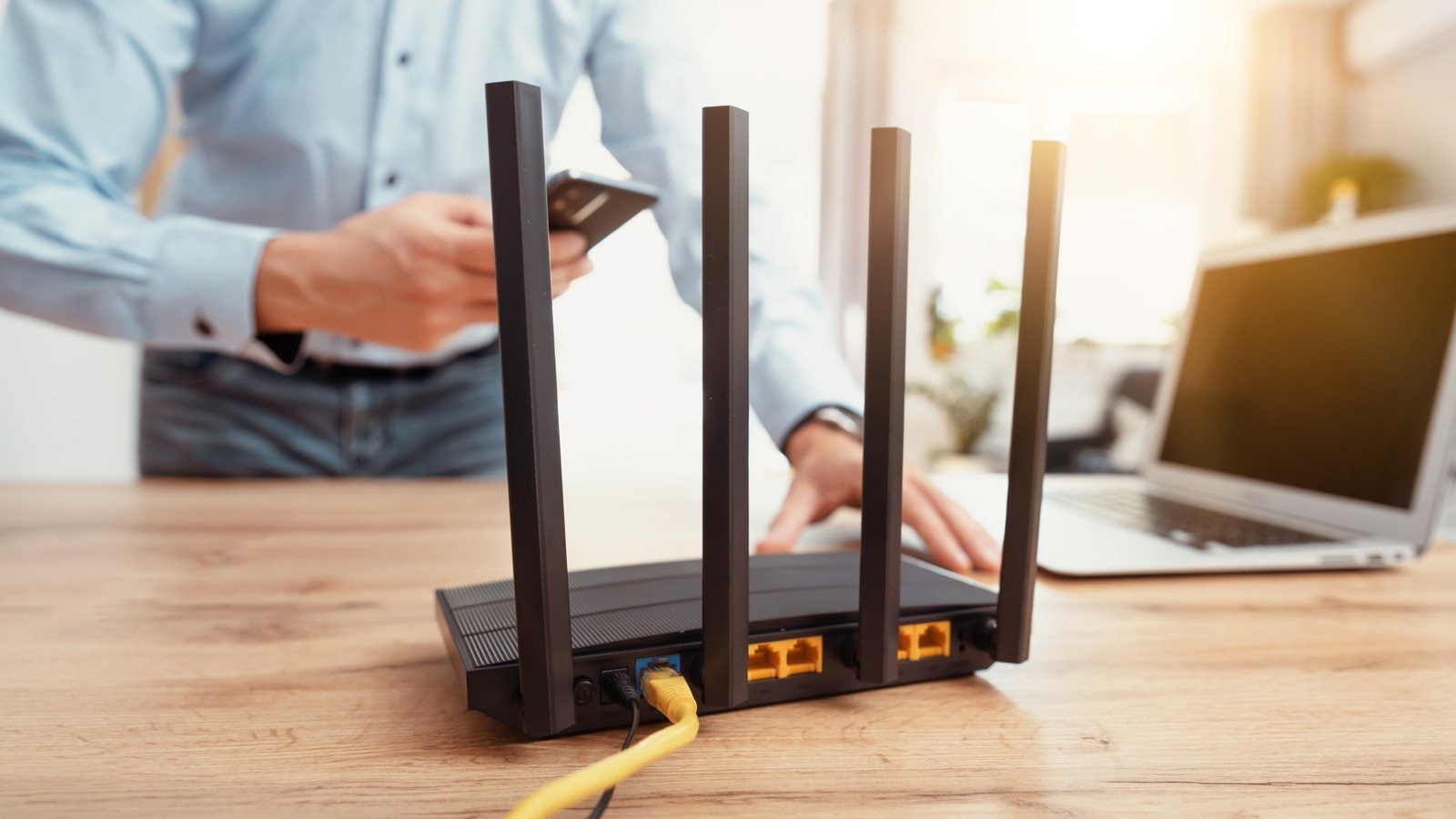
Got an old router gathering dust in a closet? Yes, you can use your old router as a wifi extender — and it’s one of the best free tech upgrades around. With 20 minutes and an ethernet cable (or even wirelessly), that retired box can kill a dead zone in your bedroom or backyard office.
I’ve done this setup several times, and it genuinely works — with a few caveats about speed and the right mode to use. Here’s the complete walkthrough.
The Two Ways to Do It (Use the Right One)
There are two approaches, and choosing correctly matters:
- Access Point mode (BEST — use this if you can): run an ethernet cable from your main router to the old router, which then broadcasts wifi in the dead zone. Full speed, rock solid. If you can get a cable there (even a flat one under a rug), this is the answer.
- Repeater/Bridge mode (good, with tradeoffs): the old router connects to your main wifi wirelessly and rebroadcasts it. No cable needed — but speed typically drops by ~50% because the single radio talks to both the main router and your devices. Fine for browsing and streaming; not ideal for gaming.
Some routers have a dedicated “Access Point” or “Bridge” mode in settings — check yours first. If not, the manual method below works on virtually any router.
Step-by-Step: Old Router as Access Point
This is the method I recommend. You’ll need your old router, a computer/phone, and an ethernet cable.
- 1. Reset the old router — hold the reset button 10 seconds. Fresh start, no old settings haunting you.
- 2. Connect to it directly (plug your laptop into one of its LAN ports, or join its default wifi) and log into its admin page (usually 192.168.1.1 or 192.168.0.1 — check the sticker).
- 3. Turn OFF its DHCP server. This is the critical step — two DHCP servers on one network causes chaos. Your main router must be the only one handing out addresses.
- 4. Change its LAN IP to something inside your main network but outside the DHCP range — e.g., if your main router is 192.168.1.1, set the old one to 192.168.1.2.
- 5. Set the wifi name and password — either match your main network exactly (devices roam between them, though the handoff can be clumsy) or give it a distinct name like “Bedroom_WiFi” (my preference — you always know which you’re on).
- 6. Run ethernet from a LAN port on your main router to a LAN port on the old router (not the WAN port!). Place the old router in the dead zone.
- 7. Reboot everything and test.
Done right, devices in that part of the house get full-speed wifi from the old router. Total cost: zero dollars.
Wireless Repeater Mode: When You Can’t Run Cable
No way to get ethernet to the dead zone? Use repeater/WDS mode:
- Check if your router has “Repeater,” “Bridge,” or “WDS” mode in its wireless settings — many do (TP-Link, Netgear, Asus).
- In that mode, point it at your main network’s name, enter the password, and it rebroadcasts the signal.
- Placement is everything: put the repeater halfway between the main router and the dead zone — where it still gets a decent signal itself. Too far into the dead zone and it just rebroadcasts garbage.
- Expect roughly half the speed through the repeater. For a bedroom Firestick or a laptop browsing, that’s fine. For a gaming PC, run the cable.
If your router’s stock firmware lacks repeater mode, third-party firmware like DD-WRT can add it — but that’s a weekend project with bricking risk. For most people, I’d rather see you use access-point mode or consider the mesh alternative below.
When to Skip the DIY and Buy Mesh Instead
I’ll be honest about the limits. The old-router trick is free and effective, but:
- Roaming is clumsy. Your phone may cling to the weak main signal instead of switching to the stronger extender. Mesh systems handle handoffs seamlessly.
- It’s another box to manage — separate admin page, separate firmware updates, another thing to reboot.
- Old wifi standards cap you. A 2015 router maxes out at wifi 5 speeds. Fine for most use, but don’t expect gigabit.
- Two old routers ≠ mesh. If your house needs 3+ coverage points, a $180 mesh 3-pack (Deco, Eero) is simpler and performs better than a Frankenstein chain of old routers.
My rule: one dead zone + one old router + a cable = do the free trick. Whole-house coverage problems = buy mesh. And if your main router itself is ancient, upgrading it might fix everything without any extenders at all.
Security: Don’t Forget the Old Box
That router sat in a closet for three years — treat it like the security liability it could be:
- Update its firmware before deploying it. Check the manufacturer’s site for the latest version — unpatched routers are a known attack target.
- Use WPA2 or WPA3 with a strong password — never WEP, never open.
- Change the default admin password. “admin/admin” on an accessible box is asking for trouble.
- Disable WPS (the push-button connect feature) — it has well-known vulnerabilities.
A repurposed router with current firmware and WPA2 is perfectly safe. One running 2018 firmware with the default password is a welcome mat. Five minutes of hardening is part of the project — don’t skip it. The FCC’s wireless security guide covers the essentials officially.
Keep Reading
If this was useful, you might also like upgrading your main router and modem vs router explained.
The Bottom Line
Yes — an old router makes a fine wifi extender. Best method: access-point mode with an ethernet cable back to the main router (full speed, 20-minute setup, critical step is disabling DHCP). No cable? Repeater mode works at ~half speed. Harden it with a firmware update and WPA2, and if you’re covering a whole house rather than one dead zone, a mesh kit is the cleaner long-term answer.
Frequently Asked Questions
Will an old router as extender slow down my network?
In access-point mode (wired), no — full speed. In wireless repeater mode, expect ~50% speed through the repeater itself; devices on the main router are unaffected.
Can I use a different brand router as an extender?
Yes — brands don’t need to match for the manual access-point method. Any router with configurable DHCP and wifi settings works, regardless of who made your main router.
Should the extender have the same wifi name?
Either works. Same name lets devices roam (clumsily); a different name (e.g., ‘Upstairs_WiFi’) lets you manually choose the stronger signal. I prefer the distinct name — no surprises.