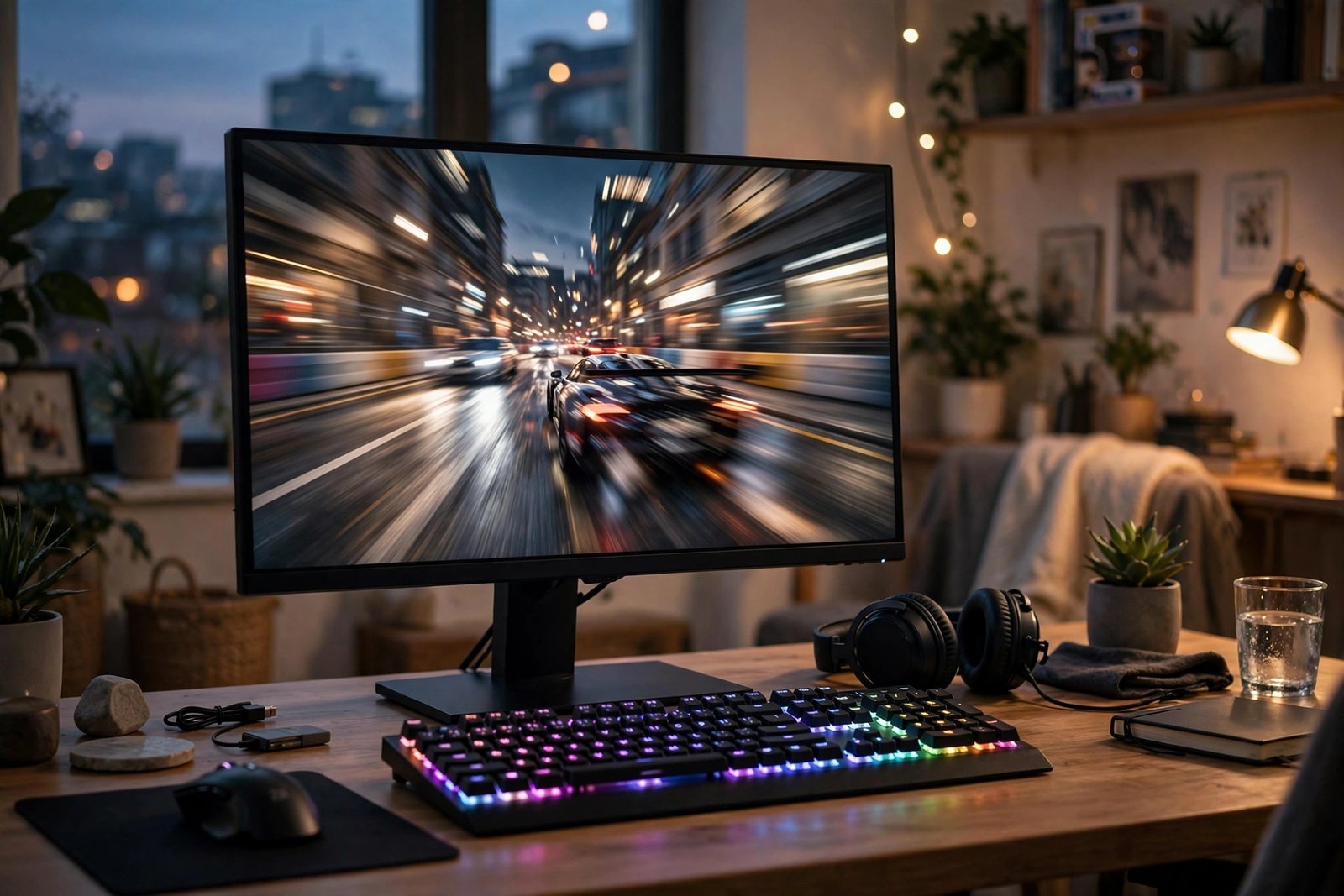
Walk into any gaming setup showcase and you’ll see the same thing: a high-refresh monitor, usually 144Hz or higher, treated as mandatory equipment. But if you’re a casual gamer — someone who plays a few evenings a week, enjoys story games, maybe dips into multiplayer with friends — the question is legitimate: is a 144Hz monitor actually worth it for you, or is it enthusiast gear you’ll never fully appreciate?
The short answer: yes, it’s worth it for most casual gamers in 2026 — but not for the reasons marketing suggests. The benefits go beyond competitive advantage into everyday comfort, and the price premium has shrunk to the point where it’s often negligible. Here’s the full breakdown: what refresh rate actually does, who benefits most, when it’s overkill, and how to buy smart.
What 144Hz Actually Does (No Jargon)
Refresh rate is how many times per second your monitor redraws the image: 60Hz redraws 60 times per second, 144Hz redraws 144 times. Higher refresh means motion appears smoother because your eyes receive more “frames” of the movement — like the difference between a flipbook with 60 pages and one with 144.
The crucial companion concept is frame rate (fps): your PC or console must actually produce those frames. A 144Hz monitor showing a 60fps game still looks better than a 60Hz monitor (less blur, lower input lag), but the transformative smoothness appears when your system pushes 100+ fps. This is why the “worth it” question depends partly on your hardware — a 144Hz monitor paired with a PC that can’t break 60fps in your games is future-proofing, not an immediate upgrade.
There’s also input lag: higher refresh monitors typically respond faster to your inputs, making controls feel more connected and immediate. Even in non-competitive games, this “connected” feeling is something players notice within minutes — it’s the difference between steering a car with tight versus loose steering.
The Benefits Casual Gamers Actually Feel
Forget esports for a moment. Here’s what changes for a regular person playing story games, RPGs, and casual multiplayer:
Everything in motion looks better. Camera pans across landscapes, character movement, scrolling through menus — all visibly smoother. Once you’ve used 144Hz for a week, going back to 60Hz feels like the game is stuttering, even though it isn’t. It’s a one-way upgrade; there’s no going back happily.
Eye comfort improves. This surprises people, but it’s real: smoother motion means less eye strain during long sessions. The flicker and judder of 60Hz forces your eyes to work harder tracking movement. If you game for hours, this alone can justify the upgrade — and our guide to reducing eye strain from staring at screens covers the complementary habits (breaks, lighting, distance) that pair well with a better panel.
Desktop use gets smoother too. Scrolling web pages, moving windows, even moving the mouse cursor feels silkier at 144Hz. It’s a quality-of-life upgrade for everything you do on the computer, not just games. Many buyers report this as the most unexpectedly delightful part.
You’re ready when your hardware catches up. If you upgrade your GPU in two years, you won’t need a new monitor to enjoy it. A good 144Hz monitor bought today stays relevant for five-plus years.
When 144Hz Is Overkill (Be Honest With Yourself)
There are legitimate cases where 144Hz doesn’t matter much. If you exclusively play slow-paced turn-based strategy, visual novels, or point-and-click adventures at a locked 60fps, the difference is subtle — present, but subtle. If your PC genuinely can’t exceed 60fps in the games you play and you have no plans to upgrade, the benefit is muted (though still nonzero thanks to reduced blur).
Console gamers should check specifics: the PS5 and Xbox Series X support 120Hz output, and many TVs and monitors marketed for consoles top out at 120Hz rather than 144Hz. A 120Hz display captures essentially all the console benefit — don’t pay extra for 144Hz specifically for console use when 120Hz does the job.
And if you’re choosing between a great 60Hz monitor (excellent colors, high brightness, HDR) and a mediocre 144Hz monitor (washed-out colors, dim panel) at the same price — for story-driven single-player gaming, the better image quality might serve you more than the refresh rate. Panel quality still matters; refresh rate isn’t the only spec.
How to Buy: The Specs That Matter at 144Hz
Panel type first: IPS panels offer the best colors and viewing angles — the right choice for most casual gamers. VA panels have better contrast (deeper blacks, great for atmospheric games) but can show motion smearing in dark scenes. TN panels are fastest but have the worst image quality — avoid them unless you’re purely competitive.
Resolution: 1080p at 144Hz is the budget sweet spot and the easiest for mid-range GPUs to drive at high frame rates. 1440p at 144Hz/165Hz is the enthusiast sweet spot — noticeably sharper, but demands a stronger GPU. Don’t buy a 1440p 144Hz monitor with a GPU that can only push 60fps at 1440p; you’ve bought a bottleneck.
Adaptive sync (FreeSync/G-Sync compatibility) is effectively mandatory in 2026 — it eliminates screen tearing when your frame rate doesn’t match the refresh rate, and it’s standard on most decent monitors. Check reviews at RTINGS, whose monitor testing is the most rigorous in the business, for real measurements of response time, input lag, and color accuracy rather than trusting spec sheets.
Size: 24 inches for 1080p, 27 inches for 1440p. Bigger isn’t automatically better — pixel density matters, and a 32-inch 1080p monitor looks visibly pixelated up close. Curved versus flat is personal preference; curve adds immersion for single-player, flat is better for mixed work-and-play use.
The Price Question: What Should You Pay?
This is the strongest argument for 144Hz in 2026: the premium has nearly vanished. Decent 1080p 144Hz IPS monitors routinely sell for $130–180 on sale — barely more than a quality 60Hz monitor. At that price difference, there’s almost no reason to buy 60Hz for gaming. The 1440p 165Hz tier runs $250–350 on sale, the real sweet spot for a mid-range gaming PC.
Buy on sale, always — monitor prices fluctuate wildly, and patience saves 20–30%. Check Tom’s Hardware alongside RTINGS for current tested recommendations before you commit. Check for dead pixels and backlight bleed in the first days (most retailers have return windows for these), and don’t pay extra for built-in speakers (they’re universally terrible; even $30 desktop speakers win) or heavy “gaming” aesthetics you don’t care about.
Pairing matters: a 144Hz monitor deserves a system that can feed it. If you’re building or buying the PC to go with it, our guide to the best video game console for casual family gaming is worth a skim first — some casual gamers discover a console meets their needs better than a PC plus monitor, and that’s a perfectly valid conclusion.
The Bottom Line
For most casual gamers in 2026, a 144Hz monitor is worth it — the smoothness upgrade is immediately obvious, eye comfort improves, desktop use benefits too, and the price premium over 60Hz has shrunk to almost nothing. It’s one of the rare tech upgrades that’s both noticeable and cheap. Just match the monitor to your hardware (don’t buy 1440p/144Hz for a GPU that can’t drive it), prioritize panel quality alongside refresh rate, and stop at 144–165Hz — beyond that is esports territory you don’t need. Your eyes will thank you within the first hour.
Frequently Asked Questions
Can I see the difference between 60Hz and 144Hz?
Yes — virtually everyone can. The difference in motion smoothness is immediately obvious, especially in camera movement and fast action. It’s one of the most perceptible display upgrades available, unlike subtler specs like minor contrast differences.
Do I need a powerful PC to benefit from 144Hz?
To get the full benefit, your PC should produce high frame rates (ideally 100+ fps) in your games. But even at 60fps, a 144Hz monitor shows less motion blur and lower input lag than a 60Hz display. It’s also future-proofing for your next GPU upgrade.
Is 144Hz good for non-gaming use?
Yes. Scrolling, window movement, and cursor motion are all visibly smoother at 144Hz, which many users find more pleasant for general computer use. It’s a genuine quality-of-life improvement beyond gaming.
What’s the difference between 144Hz and 165Hz?
Almost nothing perceptible — 165Hz is about 15% more refreshes, which is below most people’s detection threshold. Treat them as equivalent; buy whichever is cheaper or has the better panel.
Should console gamers buy a 144Hz monitor?
Consoles output up to 120Hz, so a 120Hz+ display captures the full benefit — a 144Hz monitor works fine since it accepts 120Hz input. Don’t pay a premium specifically for 144Hz over 120Hz for console use; prioritize HDMI 2.1, low input lag, and good HDR instead.