
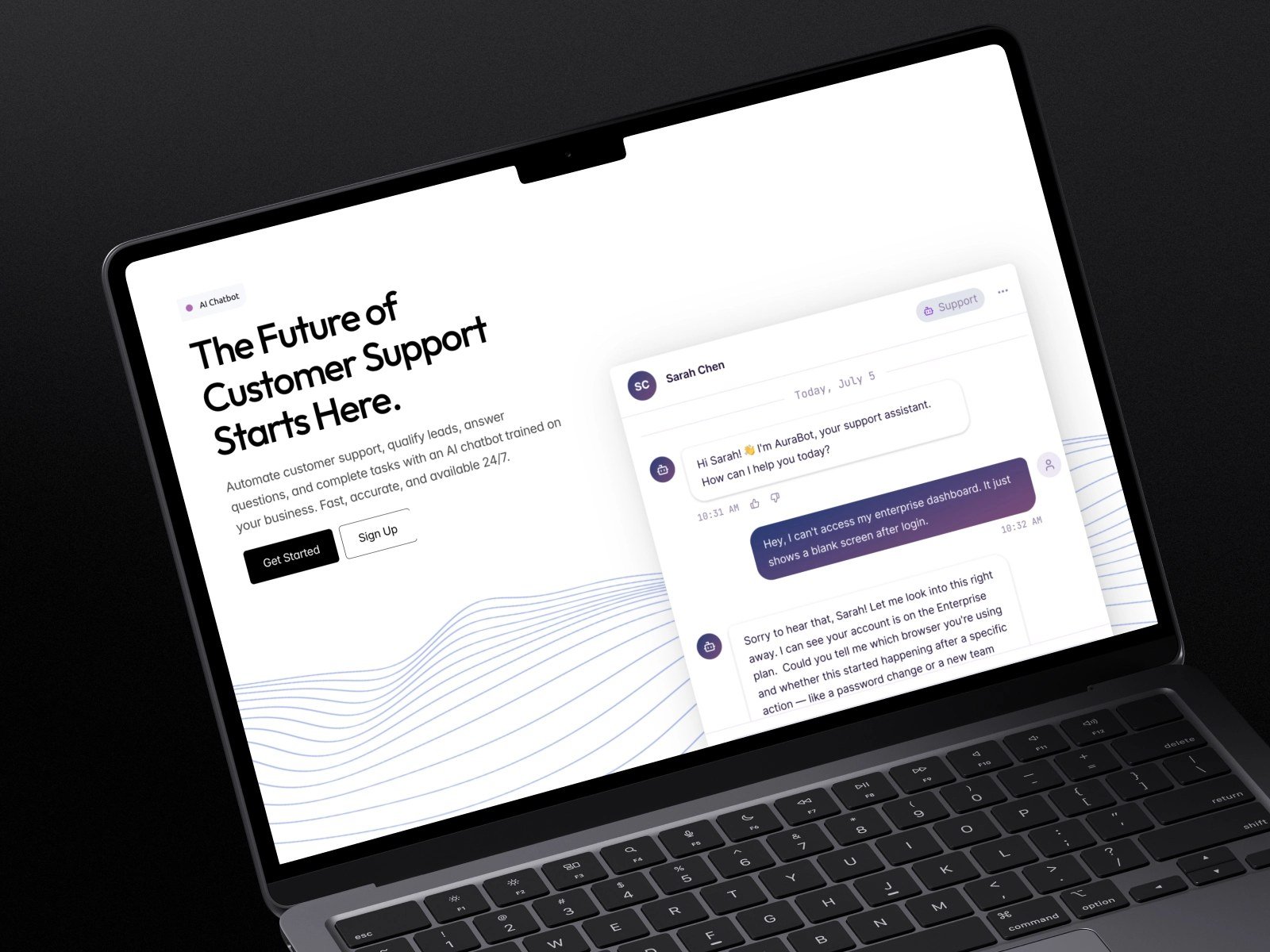
What is an AI chatbot and how do businesses use one? You’ve definitely talked to one — that little chat window that pops up on websites asking “How can I help you today?” Sometimes it’s surprisingly useful; sometimes it’s infuriating. But what’s actually going on behind that chat window, and why are businesses from one-person shops to Fortune 500 companies deploying them? Let’s demystify the whole thing.
What Is an AI Chatbot and How Do Businesses Use One?
An AI chatbot is software that converses with humans in natural language — understanding what you type (or say) and responding helpfully. The “AI” part distinguishes modern chatbots from their ancestors: old-school chatbots were just decision trees (“press 1 for hours, press 2 for pricing”), while AI chatbots actually understand language. You can type “when do you guys close on Sundays?” instead of navigating a menu, and it gets it.
Under the hood, today’s business chatbots typically combine a large language model (for understanding and generating natural responses) with a knowledge base — the business’s actual information: FAQs, policies, product details, pricing. The model provides the conversational ability; the knowledge base provides the facts. This combination is what makes them useful rather than just chatty. For the technical foundations, see AI versus machine learning in simple terms.
How Do Businesses Use One? The Five Main Jobs
- 1. Instant FAQ answering: The most common use. Hours, pricing, policies, order status — the repetitive questions that used to eat staff time. Available 24/7, answered in seconds. This alone justifies chatbots for most businesses.
- 2. Lead capture and qualification: The chatbot greets visitors, asks qualifying questions, and routes hot prospects to sales — or books them directly into a calendar. It never sleeps, never forgets to follow up, and pre-qualifies so your sales team talks only to serious prospects.
- 3. Appointment booking and reservations: Restaurants use AI for reservations and orders; salons, clinics, and service businesses do the same. The chatbot checks availability, books the slot, and sends confirmations — no phone tag.
- 4. Order support and tracking: “Where’s my package?” is among the most-asked questions in e-commerce. Chatbots integrated with order systems answer instantly, process simple returns, and escalate the complicated cases.
- 5. Internal help desks: Less visible but huge — companies deploy chatbots for employees too: IT troubleshooting, HR policy questions, onboarding guidance. Same technology, internal audience.
What Is an AI Chatbot’s Real Business Value? The Numbers
The value proposition has three parts. Availability: 60-70% of customer inquiries arrive outside business hours for many small businesses — a chatbot captures what voicemail loses. Speed: instant answers versus hours-long email waits dramatically improve satisfaction for routine questions. Cost: handling routine inquiries at pennies per conversation versus dollars per human-handled ticket.
But the honest caveat: chatbots supplement human support; they don’t replace it for anything complex or emotional. Businesses that deploy chatbots as walls between customers and humans get backlash. Businesses that deploy them as fast first responders with graceful human escalation get loyalty. Small businesses using AI for customer support see the best results with this hybrid model — and customers can usually tell bot from human, so honesty about which is which builds trust.
What Good vs. Bad Looks Like
Good: Greets you, understands natural questions, answers from real business knowledge, admits when it doesn’t know, and connects you to a human smoothly with context preserved. Bad: Pretends to be human, loops uselessly on unrecognized questions, refuses to escalate, and makes you repeat everything to the human anyway. If you’re shopping for a chatbot platform, test-drive it as a difficult customer before committing — the bad patterns reveal themselves fast.
How Much Does It Cost? (Less Than You Think)
Basic website chatbots start free (Tidio, Chatbase free tiers) to $30-50/month for small-business plans with meaningful volume. Mid-tier platforms with CRM integration run $100-500/month. Enterprise deployments with custom training run into the thousands. For most small businesses, the $0-50 range covers everything needed — the bigger investment is the afternoon spent training it on your actual business knowledge, which determines success more than the platform choice.
Where Chatbots Are Headed (Worth Knowing)
The trajectory is clear: chatbots are getting more capable, more integrated, and more proactive. Voice-based AI assistants are merging with text chatbots — soon the same system will handle your website chat, phone calls, and messaging apps seamlessly. Proactive chatbots (reaching out when they detect you’re stuck, rather than waiting) are already appearing. And deeper integrations mean chatbots that don’t just answer questions but take actions: processing refunds, updating orders, managing subscriptions — all conversationally.
For businesses, this means today’s chatbot investment compounds. The knowledge base you build now — your FAQs, policies, and processes documented clearly — becomes the foundation for increasingly capable automation. The businesses that documented well early will have the best AI assistance later. It’s another reason the “afternoon spent training it” is the highest-ROI part of the whole project.
Your Getting-Started Checklist
- List your 10 most-asked questions with complete, accurate answers
- Choose a platform in the free-to-$50 range (Tidio, Chatbase, Intercom starter)
- Train it on your real content — FAQs, policies, product details
- Test as a difficult customer before launching publicly
- Set up graceful human escalation with context handoff
- Be upfront that it’s automated — honesty builds trust
- Review conversations weekly for the first month; update the knowledge base monthly
The Practical Takeaway
An AI chatbot is conversational software that understands natural language and answers from your business’s knowledge base. Businesses use them for instant FAQ answers, lead capture, booking, order support, and internal help desks — gaining 24/7 availability and instant response at low cost. Deploy them as fast first responders with easy human escalation, train them on real business knowledge, and they’ll delight customers instead of frustrating them. Start with the free tiers, master one use case, and expand from there — your future self — fielding customer questions at midnight without lifting a finger while competitors let inquiries sit until morning — will thank you. The evolution of chatbots from 1960s ELIZA to today’s models explains why the current generation finally works for business.






2 Comments