Between school events, doctor appointments, work deadlines, soccer practice, and “wait, when is Mother’s Day?”, family life runs on logistics. And when those logistics live in four different places — your head, a paper calendar, a phone app, and sticky notes — things fall through the cracks. The best way to keep a family calendar organized isn’t a fancier app; it’s one shared system that everyone actually uses, with clear rules about what goes where.
My family tried the “everyone just texts me” method. I was the bottleneck, the single point of failure, and the villain every time something got missed. One shared calendar fixed all three problems in a week.
Pick ONE System (and Commit)
The tool matters less than the commitment. That said, the practical choice for most families is a shared digital calendar — Google Calendar or Apple Calendar — because:
- Everyone sees updates instantly (no “I didn’t know!” — well, fewer)
- It syncs across all devices automatically
- Recurring events set once and run forever
- You can overlay multiple calendars (each person + family) in one view
- It’s free
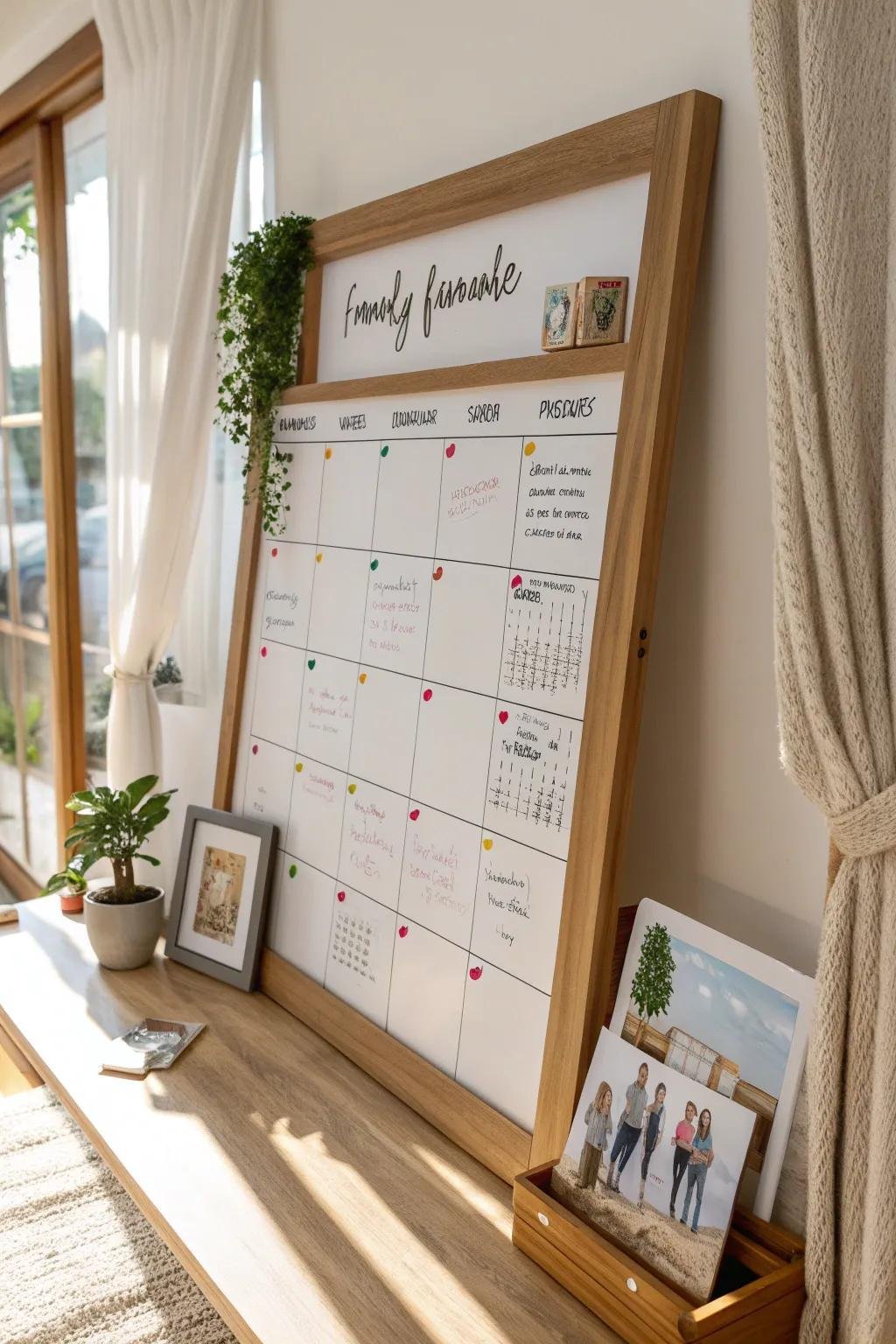
Paper wall calendars still work beautifully as a supplement — a big monthly grid in the kitchen where everyone sees the week at a glance. But paper alone fails because it doesn’t travel with you or send reminders. Best practice: digital as the source of truth, wall calendar as the broadcast.
What Is the Best Way to Keep a Family Calendar Organized? The Setup
Create layered calendars
Don’t dump everything into one calendar — use color-coded layers:
- Family (shared): events affecting the household — school nights, vacations, appointments, deadlines, visitors
- Each adult: work travel, personal appointments, social plans
- Kids: activities, practices, lessons (managed by parents for younger kids)
- Household: bill due dates, maintenance reminders, trash/recycling days
Each person subscribes to the layers they need. The family layer is the non-negotiable shared one — if it affects anyone else in the house, it goes on the family calendar. No exceptions, no “I told you about it.” If it’s not on the calendar, it doesn’t exist.
Set the entry rules
A calendar nobody updates is decoration. The rules that make it work:
- Enter events immediately — the moment it’s scheduled, not “later” (later never comes)
- Include the logistics: time, location/address, who’s going, what to bring, pickup/dropoff assignments
- Set reminders: 1 day before for big events, 1 hour before for daily stuff
- Recurring everything recurring: weekly practices, monthly bills, annual appointments — set once, benefit forever
- One owner per event: who’s driving? Who’s bringing the dish? Unassigned tasks are orphaned tasks.
The Weekly Family Sync (15 Minutes That Prevent 90% of Chaos)
Once a week — Sunday evening is classic — do a quick family huddle (even 10 minutes over dinner works):
- Pull up the week ahead
- Walk through each day: who needs to be where, who drives, any conflicts
- Flag the busy days and plan around them (early dinner? prep lunches the night before?)
- Confirm who’s handling what
This is also where weekly schedule planning and morning routines connect — the calendar feeds both. For families with young kids, this sync pairs with making mornings less chaotic, since most morning chaos is really Sunday-night planning failure.
Handle the Special Cases
- Split households / co-parenting: A shared calendar between households is even more critical — use a dedicated co-parenting app (OurFamilyWizard, Cozi) if communication is strained. Neutral, documented, timestamped.
- Teens: Give them view access and require them to add their own events. “If it’s not on the calendar, I’m not driving you” is a beautifully effective policy.
- Birthdays and annual events: Enter the entire year’s worth in January — birthdays, anniversaries, school breaks, recurring appointments. Future-you will be amazed at past-you’s foresight. (See remembering important dates for the full system.)
- School papers: Photograph or scan every school notice the day it comes home and add relevant dates immediately. The paper goes in recycling; the date lives on the calendar.
What About the Mental Load?
Let’s be honest: in most families, one person carries the calendar and the mental load that comes with it. A shared calendar doesn’t automatically fix the imbalance — but it makes the load visible, which is the first step. The goal: both adults can add, both check, and the weekly sync distributes awareness. If you’re the default calendar-keeper, explicitly hand over categories (“you own the kids’ sports schedule now”). Visibility plus explicit ownership is how the load actually shifts.
Troubleshooting: When the Family Won’t Use the Calendar
The system is perfect; the humans won’t cooperate. Common resistance and fixes:
- “I forgot to add it.” Make adding frictionless: a shared note or voice message to the calendar-keeper counts. Better: teach everyone to add directly (it’s 20 seconds). The rule “if it’s not on the calendar, it doesn’t exist” only works if it’s enforced kindly but consistently — including letting a missed event be the teacher once.
- Teens who won’t engage. Give them view access and tie privileges to it: “I drive you to things on the calendar.” Teens respond to systems that affect them directly. Also let them add their own social plans — ownership increases buy-in.
- A partner who “doesn’t do calendars.” This is usually about habit, not ability. Start with just the weekly sync — 10 minutes where you walk through the week together verbally. Gradually shift entry responsibility: “can you add your work travel when you book it?” Small, specific asks beat “use the calendar.”
- Too many calendars, total confusion. Consolidate ruthlessly. One family calendar + individual overlays, max. If information lives in texts, emails, school apps, AND the calendar, pick the calendar as canonical and migrate.
- The calendar becomes a battleground. If scheduling sparks fights, the issue isn’t the tool — it’s the underlying load imbalance. Use the visible calendar as the neutral starting point for the real conversation about who carries what.
Systems need about a month to become habit. Run the weekly sync religiously for four weeks before judging — most resistance fades once the benefits (fewer missed events, fewer arguments) become obvious.
The Takeaway
Keeping a family calendar organized means: one shared digital system as the source of truth, color-coded layers, strict entry rules (immediate, detailed, with owners), a 15-minute weekly sync, and the iron law — if it’s not on the calendar, it doesn’t exist. Set it up this weekend, run one Sunday sync, and watch the “wait, I didn’t know about that!” incidents drop to near zero. For families juggling a lot, the AAP’s family media and scheduling resources offer additional structure for the digital side of family life.